
Tools Constitution v1.2 — on-page explainers and related tools
Every tool now ships an on-page intro block and a related-tools footer linking 3–5 siblings. The Constitution sections that govern this are §6.1 and §6.3, applied across the catalog.
Published
30 May 2026
UTC
Version
v0.6.0
semver-ish
Category
Engineering
engineering
Format
.mdx
utf-8 · hand-curated
The Tools team Constitution moved to v1.2 with two amendments that touch
every utility under /tools/<slug>. The Stage-1 PM brief now requires a
short on-page intro block beneath the working UI, and the /about page
for each tool closes with a related-tools footer that links 3–5 sibling
utilities by hand.
What changed
§6.1— every tool route renders the PM's intro block verbatim below the live tool, followed by aRead the full explainer →link to/tools/<slug>/about.§6.3— every/tools/<slug>/aboutpage closes with aRelated toolsfooter enumerating 3–5 sibling utilities chosen by the Architect in Stage 2.
Why
Search-engine traffic was landing on a tool page, finding only the
interactive widget, and bouncing without seeing the long-form
explanation. The intro block lifts the explainer up one click, and the
related-tools footer turns each /about into a navigable hub instead of
a leaf node.
What it looks like
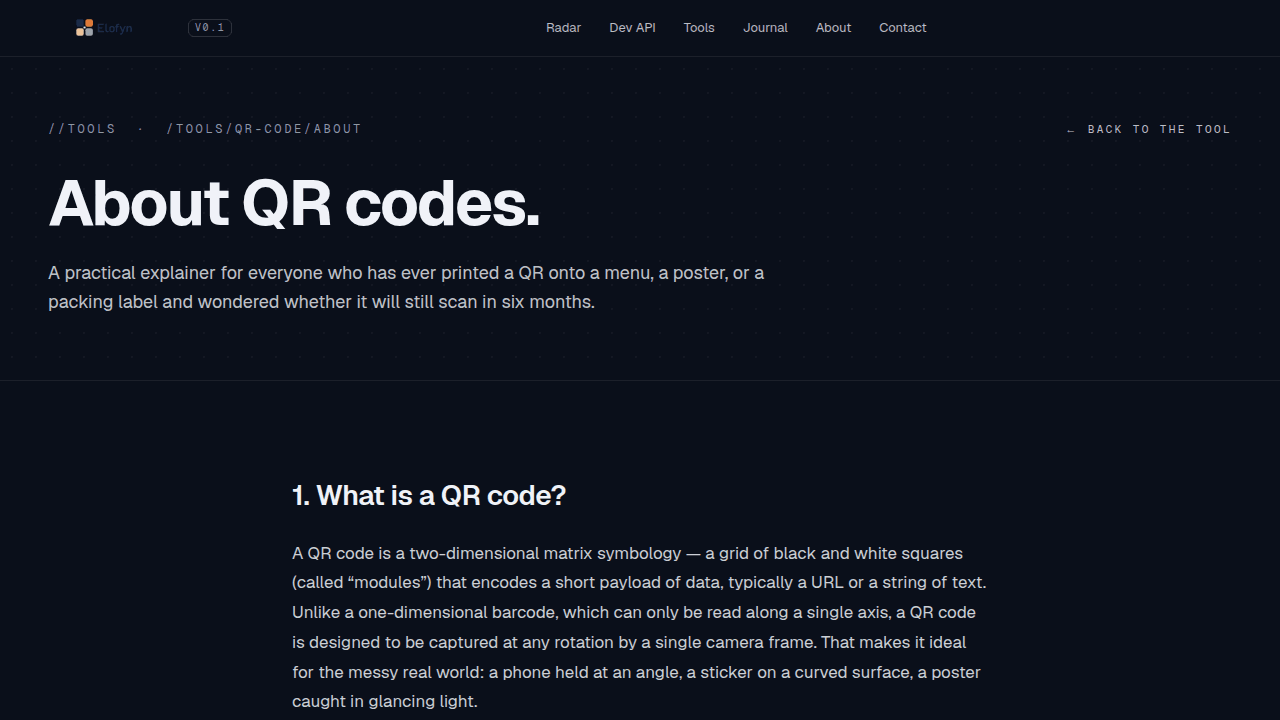
Open any tool's /about page and scroll to the bottom — for example,
/tools/qr-code/about. The new Related tools
block sits above the page footer and links to siblings the Architect
hand-picked for that tool. The on-page intro block is visible on every
tool's primary route.
This is the kind of change that does not move a metric on launch day — it shows up six weeks later as a higher rank on the long-tail keywords the explainer copy was written for.